
Your Roblox profile picture is your identity across one of the biggest gaming platforms on the planet. Every time you join a game, send a friend request, or post in a group, other players see your Roblox PFP before anything else. A great one makes you memorable; a default gray avatar makes you invisible. Whether you want a cute, aesthetic, funny, or hardcore gamer Roblox PFP, this guide has ideas for every style — plus a simple walkthrough for changing it.
Why Your Roblox PFP Matters
Roblox is a deeply social platform. Players judge at a glance: a cool avatar picture signals an experienced player, a funny one signals someone fun to play with, and a matching PFP instantly marks you as part of a squad. Your profile picture shows up in game lobbies, on leaderboards, in chat, and on your profile page. Putting thought into your Roblox PFP is one of the easiest ways to upgrade your whole presence on the platform.
Best Roblox PFP Ideas
Here are the most popular styles players are using right now, broken down by vibe.
Cute Roblox PFP
Cute profile pictures are perfect for players who want a friendly, approachable look:
- Kawaii avatar renders — pastel colors, blush stickers, and soft lighting on your blocky avatar.
- Plushie-style edits — your avatar drawn or rendered to look like a cuddly toy.
- Animal-themed avatars — cat ears, bunny hoods, and fox tails are perennial favorites.
- Sweet GFX poses — a smiling avatar render with sparkles and hearts.
- Chibi art of your avatar — commission or generate a chibi-style illustration of your character.
Aesthetic Roblox PFP
Aesthetic PFPs turn your avatar into a piece of art:
- Dark moody renders — dramatic shadows, neon rim light, and cinematic poses.
- Preppy style avatars — clean outfits, bright backgrounds, and polished GFX.
- Y2K and retro edits — grainy textures, butterfly clips, and 2000s fashion on your avatar.
- Minimalist icon PFPs — a simple silhouette of your avatar on a solid or gradient background.
- Sunset and nature scenes — your avatar posed against a glowing sunset or dreamy landscape.
Cool and Edgy Roblox PFP
Want to look like a serious gamer? These styles bring the intensity:
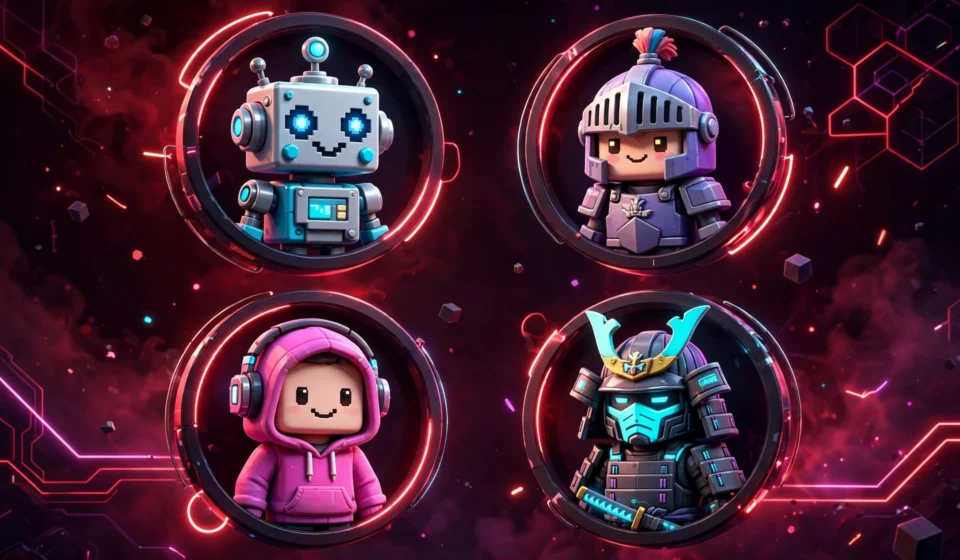
- Cyber samurai and ninja avatars — glowing katanas, masks, and dark armor.
- Robot and mech renders — metallic textures and glowing eyes scream power.
- Glitch and vaporwave edits — distorted effects with bold neon colors.
- Hoodie and mask combos — the classic mysterious gamer look.
- Fire and lightning effects — action-packed renders with explosive backgrounds.
Funny Roblox PFP
Comedy never goes out of style in Roblox lobbies:
- Meme face edits — put a famous meme expression on your blocky avatar.
- Cursed avatar screenshots — weird angles and glitched poses that make everyone laugh.
- Ironic low-effort PFPs — a deliberately bad MS Paint drawing of your avatar.
- Reaction-image style renders — your avatar mid-scream, crying laughing, or facepalming.
- Silly costume avatars — a hotdog suit or banana costume avatar as your PFP.
Anime Roblox PFP
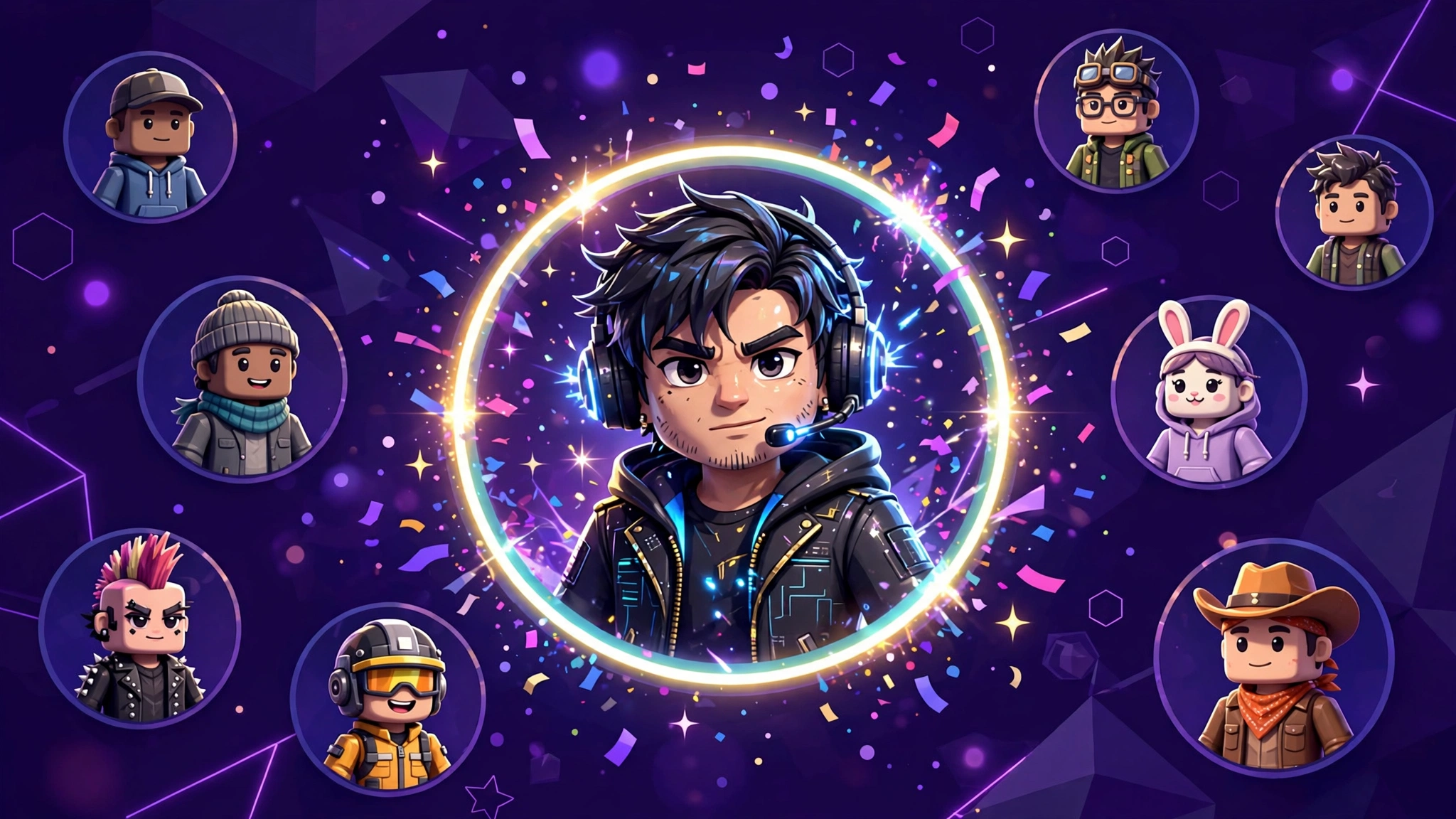
Anime-style profile pictures bridge two massive fandoms. Options include anime-inspired avatar outfits rendered in GFX, your avatar drawn in anime art style, and screenshots from anime-themed Roblox games used as your picture.
Matching Roblox PFP for Friends and Couples
Matching profile pictures are huge in the Roblox community. Popular approaches:
- Split renders — two GFX images that form one scene when viewed side by side.
- Matching outfits — you and your friend wear the same avatar bundle in different colors.
- Complementary quotes — each PFP carries half of a phrase or matching symbols.
- Squad logos — a custom emblem for your whole friend group or clan.
How to Make Your Own Roblox PFP
You do not need to be a designer to create a custom Roblox PFP. Here are the most popular methods:
- In-game screenshot — pose your avatar in your favorite game, hide the UI, and take a clean screenshot. Crop it square and you are done.
- Roblox avatar editor — use the official avatar editor to style your character, then screenshot it against a clean background.
- GFX renders — free tools like Blender let players create professional 3D renders of their avatars. Many tutorials walk beginners through the basics.
- AI avatar generators — upload a screenshot of your avatar and generate stylized art in anime, cartoon, or realistic styles.
- Commission an artist — Roblox and Discord communities are full of artists who draw custom avatar PFPs for Robux or small payments.
How to Change Your Roblox Profile Picture
Once you have your image ready, setting it takes less than a minute:
- Log in to Roblox on a browser or the app and open your profile page.
- Hover over or tap your current avatar picture and select the edit option.
- Choose Upload and pick your new image from your device.
- Adjust the crop so your avatar sits centered in the circle preview.
- Save your changes — your new Roblox PFP appears across games and chat almost instantly.
Roblox is one of the largest user-created gaming platforms in the world, with tens of millions of daily players customizing avatars exactly like this — you can read more about the platform’s history and avatar system on Roblox’s Wikipedia page.
Tips for the Perfect Roblox PFP
- Keep the avatar centered. Roblox crops profile pictures into circles, so make sure your character’s head is in the middle.
- Use a contrasting background. A bright or dark backdrop makes your avatar pop instead of blending in.
- Match your in-game style. If your avatar wears a dark ninja outfit in-game, a matching dark PFP looks intentional and cool.
- Avoid clutter. Too many effects and text become unreadable mush at small sizes — keep it clean.
- Update after big avatar changes. Got a new limited item or a fresh outfit? Refresh your PFP to show it off.
- Stay safe. Never use personal photos or real-life details in a gaming PFP, and do not upload images that break Roblox community rules.
- Test it in chat. After changing your PFP, check how it looks next to your username in a game lobby — that is where most people will see it.
Roblox PFP FAQs
What size should a Roblox PFP be?
Upload a square image of at least 720 x 720 pixels. Roblox displays profile pictures at small sizes, so higher resolution keeps yours sharp on every device.
Can I use a GIF as my Roblox PFP?
Roblox profile pictures are static images. Animated avatars are not supported, so pick your single best frame or render.
How do I get a custom GFX Roblox PFP?
GFX renders are made in 3D software like Blender using your avatar’s character model. Many free tutorials exist, or you can commission a GFX artist in Roblox creator communities.
Why is my Roblox PFP blurry?
Blurry profile pictures usually come from uploading a low-resolution image or an aggressive crop. Re-upload a sharper, larger square image and keep the important details away from the circle’s edges.
Are matching PFPs allowed on Roblox?
Yes. Matching profile pictures with friends are completely fine as long as the images themselves follow Roblox community standards — no inappropriate or copyrighted content.
Can I change my Roblox PFP for free?
Yes. Changing your profile picture is free. Only the avatar items and outfits themselves may cost Robux — the picture upload costs nothing.
Final Thoughts
A great Roblox PFP takes minutes to set up but pays off every time you join a game. Whether you go cute, aesthetic, edgy, or funny, pick something that feels like you and keep it sharp at small sizes. And if you want fresh ideas for your other social profiles too, browse our collection of TikTok PFP ideas next.