
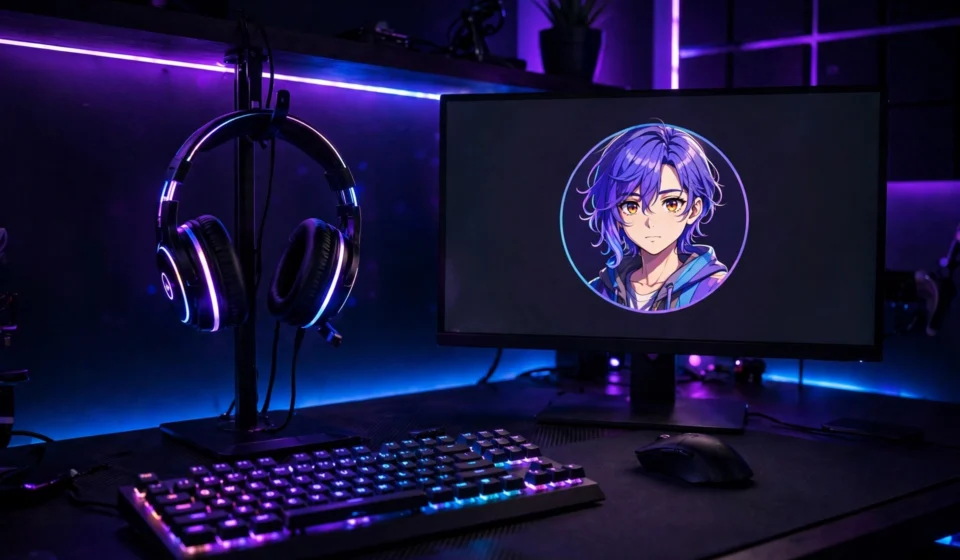

On Discord, your profile picture — usually just called a PFP — is your identity. It’s the tiny circle next to every message you send, the face people see in voice channels, and the first impression you make in every new server. A sharp, well-chosen Discord profile picture makes you recognizable and memorable; a blurry default avatar makes you invisible.
This guide covers everything: the right sizes and formats, exactly how to change your PFP on desktop and mobile, what Nitro unlocks, and a full set of Discord profile picture ideas for every vibe.
Discord Avatar Basics: Size, Format, and Crop
- Shape: Discord displays avatars as circles everywhere — in chat, member lists, voice channels, and your profile card. Anything near the corners of your image will be cut off.
- Formats: PNG and JPG work for everyone. Animated GIFs are supported for Nitro subscribers, per Discord’s official profile settings.
- Recommended size: Upload at least 512 × 512 pixels so your avatar stays crisp on high-resolution screens. Discord shrinks it down from there.
- File size: Keep uploads under the platform’s limit (8 MB for free users). Larger files may fail to upload, especially on mobile.
If you want the official walkthrough, Discord documents the whole process — changing your avatar, decorations, banners, and more — in its Custom Profiles support article.
How to Change Your Discord Profile Picture
On Desktop (App or Browser)
- Click the cogwheel icon at the bottom-left of the app to open User Settings.
- Open the Profiles tab.
- Click Change Avatar (or click your current avatar directly).
- Choose an image from your computer. Discord lets you crop and reposition it inside the circular preview.
- Click Apply, then Save Changes to confirm.
On Mobile (iOS and Android)
- Tap your avatar in the bottom-right corner to open your profile.
- Tap Edit Profile.
- Tap your avatar and choose Upload Image (or take a fresh photo).
- Adjust the crop with pinch-to-zoom so the important part sits inside the circle.
- Tap Save to apply your new Discord profile picture.
Discord Profile Picture Ideas for Every Vibe
1. The Clean Gamer Aesthetic
A sharp logo-style emblem, your initials in bold type, or a minimalist icon in your favorite colors. Gamer-style PFPs are instantly readable at small sizes, which is exactly what you want in a busy server chat.
2. Anime and Manga Style
Anime portraits are among the most popular Discord PFPs for a reason — they’re expressive, colorful, and recognizable. Use official art, a screenshot of a favorite character, or an AI-styled portrait of yourself. Just avoid reposting another artist’s work without credit when it’s identifiable.
3. Your Own Face, Done Right
A real photo makes you more trustworthy and memorable, especially in smaller communities. Use a close crop, good light, and a simple background. Our full roundup of profile picture ideas has 20 shooting and posing tips that work perfectly for a Discord avatar too.
4. Your Pet
Pets are undefeated as profile pictures. A close-up of your cat, dog, or even a lizard, tightly cropped so the face fills the circle, gets reactions in every server. Bonus: nobody else will have the same one.
5. Matching PFPs
Split one image with a friend, partner, or duo queue teammate so your two avatars form a complete picture side by side. Matching PFPs are a Discord classic and an instant conversation starter.
6. Animated GIF (Nitro)
Nitro subscribers can upload animated GIFs as their avatar. A short loop — a character blinking, a subtle glow pulse, a funny reaction — grabs attention in every message thread. Keep the loop smooth and the file size reasonable.
7. Pixel Art and Retro
8-bit sprites, retro game characters, and pixel-art portraits look fantastic at Discord’s small display size because the style is already low-resolution by design. What looks blocky elsewhere looks intentional here.
8. Aesthetic and Moody
Dark gradients, neon glows, vaporwave palettes, or a single dramatic photo. Moody aesthetics stand out against Discord’s dark theme — just make sure there’s enough contrast that your PFP doesn’t melt into the background.
Avatar Decorations and Profile Effects
Beyond the picture itself, Discord lets you dress up your avatar with decorations — animated frames and overlays from the Shop — and profile effects that play when someone opens your full profile. A few things to know:
- Decorations are applied from the Profiles tab via Change Decoration; effects via Change Effect.
- Purchased items stay in your collection, so you can swap them anytime.
- Decorations work best on simpler avatars — a busy photo plus a busy frame becomes visual noise at 40 pixels wide.
- You can also set per-server avatars with Nitro, so your PFP can change personality from server to server.
Discord Profile Picture Do’s and Don’ts
Do
- Test at small size. Shrink your image to about 40 × 40 pixels before uploading. If it’s unreadable there, simplify it.
- Use high contrast. Bold shapes and clear color separation survive Discord’s tiny circular crop.
- Center the subject. The middle of your image is the only guaranteed safe zone.
- Keep it recognizable. Changing your PFP weekly confuses people — pick something you can live with for a while.
Don’t
- Don’t use text-heavy images. Words become illegible mush at avatar size.
- Don’t upload blurry or stretched photos. Discord won’t fix a bad source image.
- Don’t use NSFW or offensive imagery. It violates Discord’s terms and will get you reported fast.
- Don’t steal another creator’s art and present it as your own — use official art, your own photos, or properly licensed images.
Frequently Asked Questions
What size should a Discord profile picture be?
Upload at least 512 × 512 pixels in PNG or JPG format. Discord displays it as a circle and scales it down, so starting large keeps it sharp on every screen.
Can I use an animated GIF as my Discord PFP?
Yes, but only with a Nitro subscription. Free users are limited to static PNG and JPG images.
Why does my Discord profile picture look blurry?
Usually the source image was too small. Upload a larger, higher-quality file, and make sure you’re not screenshotting an already-compressed image. If problems persist, try removing the avatar and re-uploading.
How do I get avatar decorations on Discord?
Go to User Settings, open the Profiles tab, and use Change Decoration to browse the Shop or apply decorations you already own. Some are free; most are paid cosmetics.
Conclusion
Your Discord profile picture is small, but it carries your whole identity on the platform. Get the technical basics right — a big, sharp image, cropped with the subject dead center — then pick a style that actually feels like you, whether that’s your real face, your pet, an anime favorite, or a slick animated GIF. Change it through the Profiles tab in a few clicks, test how it reads at tiny sizes, and leave it alone long enough for people to recognize you by it. Do that, and your PFP stops being a placeholder and starts being a signature.

[…] polished for LinkedIn, playful for Facebook, expressive for Discord (see our guide to the perfect Discord profile picture for platform-specific […]